Catalog a drive
Connect an external HDD, SSD, or USB drive and create a DriveRecall catalog.

MaveWay Utilities
DriveRecall
DriveRecall lets you search a saved catalog of your external drives even while those drives are unplugged.
Offline Drive Search for Windows
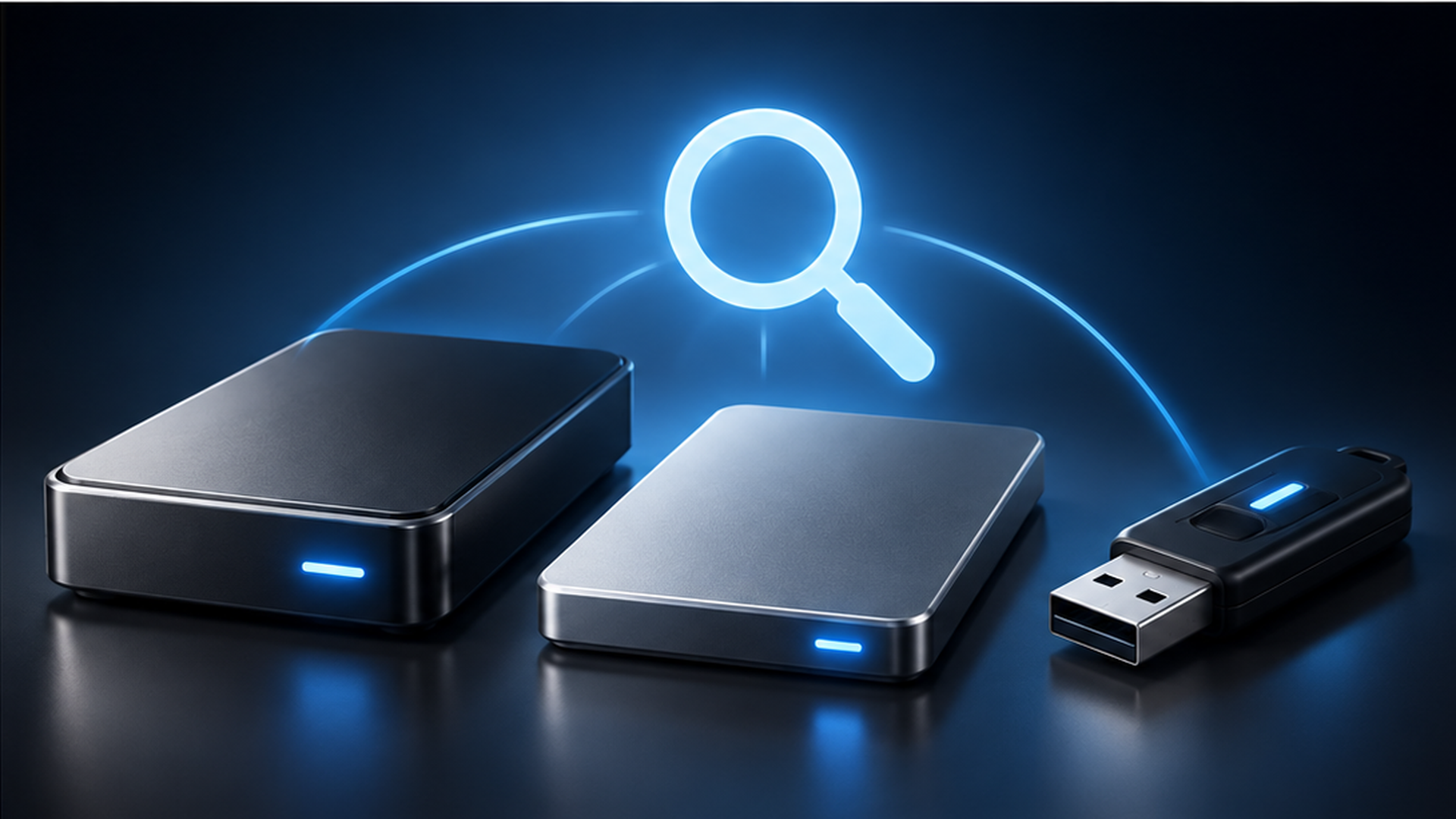
Three simple steps
Connect an external HDD, SSD, or USB drive and create a DriveRecall catalog.
DriveRecall keeps the saved catalog locally on your Windows PC.
Search by filename to see which cataloged drive and saved folder contain the result. Reconnect the drive when you need the actual file.
Made for real drive collections
DriveRecall stays focused on one job: helping you locate files across cataloged external storage.
An important distinction
Offline search means searching DriveRecall’s previously saved catalog while the drive is disconnected. DriveRecall does not access files on an unplugged drive; reconnect the drive to open the actual file.
Compatibility
DriveRecall is designed for Windows 11 x64 PCs and for use with external HDDs, external SSDs, and USB drives. Compatibility can vary by device and storage configuration.
Need help? Visit DriveRecall Support.